Is Your Website Running an Outdated Version of PHP? Here’s Why It Matters
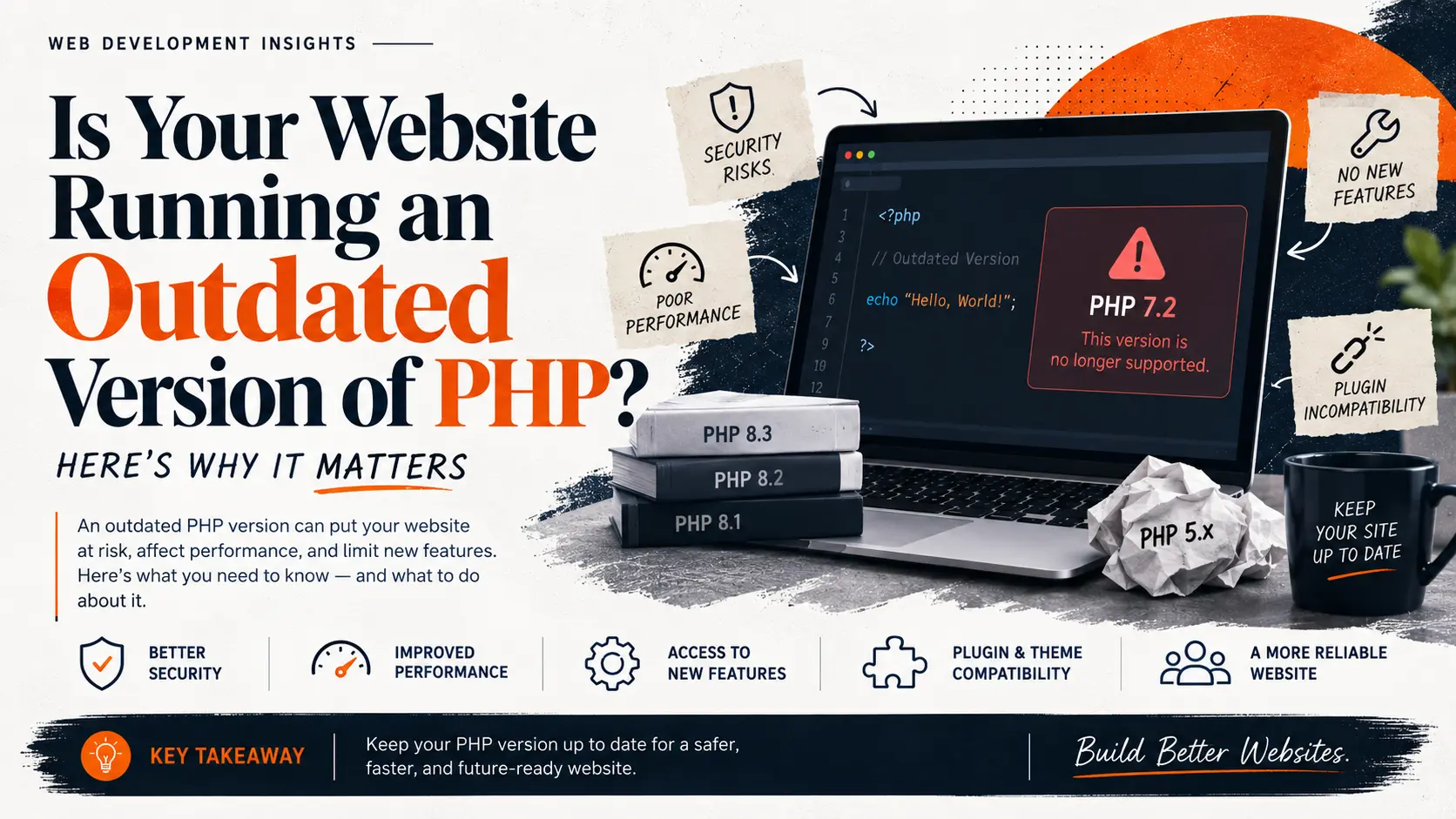
Is Your Website Running an Outdated Version of PHP? Here’s Why It Matters
A site can look perfectly fine and still be quietly exposed. Here’s how to find out.
If your website was built a few years ago and nobody has touched the backend since, there’s a decent chance it’s running on a version of PHP that stopped receiving security updates a long time ago. The site still loads. Forms still work. Nothing looks broken. That’s exactly the problem. An outdated PHP version doesn’t usually announce itself with an error message. It just sits there, quietly getting more exposed every month a new vulnerability is found and never patched.
Most business owners have never heard of PHP and have no reason to think about it day to day. That’s fine, until it isn’t. This article explains what PHP is, how to check which version your site is running, why an old version is a real risk and not just a technical formality, and what to actually do about it.
What PHP is, in plain terms
PHP is a programming language that runs on the server behind your website. When someone visits your site, PHP is often the thing pulling content from a database, building the page, and sending it to their browser. You don’t see PHP. You see the result of it working.
It’s been around since 1994 and it’s still the most common server-side language on the web by a wide margin. It powers most WordPress sites, most WooCommerce stores, and a large share of custom-built business websites. If your site uses WordPress, PHP is running underneath it whether anyone ever mentioned it to you or not.
How to check your site’s PHP version
You don’t need technical skill to find this out. A few options:
- Ask your host or developer directly. This is the fastest way. Anyone managing your server can tell you in a minute.
- Check your hosting control panel. Most hosting panels (cPanel, Plesk, or similar) show the PHP version somewhere under “Software” or “PHP Settings.”
- If you use WordPress, go to Tools → Site Health → Info, and look under “Server.” It lists your PHP version directly.
Once you have the number, the next question is simple: is that version still supported?
What “end of life” actually means
Every PHP version follows a fixed support schedule. According to the official PHP documentation, each release is fully supported for two years, meaning bugs and security issues get fixed. After that, it gets two more years of security-only support, where only critical security fixes are released. Once those four years are done, the version reaches end of life. No more patches, for anything, ever.
This isn’t a soft recommendation that quietly fades out. It’s a hard cutoff. If a serious vulnerability is discovered in an end-of-life version next month, it will never be fixed for that version. It just stays open.
Where things actually stand right now
Here’s the current status of recent PHP versions:
| Version | Status |
|---|---|
| PHP 7.4 | End of life since 28 November 2022 |
| PHP 8.0 | End of life since 26 November 2023 |
| PHP 8.1 | End of life since 31 December 2025 |
| PHP 8.2 | Security fixes only, until 31 December 2026 |
| PHP 8.3 | Security fixes only, until 31 December 2027 |
PHP still runs around 70% of websites with a known server-side language. But as of September 2026, only about 44.5% of those sites are running PHP 8 at all, according to W3Techs data. That leaves a large share of the web running versions that either just went end of life or are close to it.
What actually happens if you stay on an outdated version
Security exposure. This is the biggest one. In June 2024, a remote-code-execution flaw known as CVE-2024-4577 was disclosed, with a severity score of 9.8 out of 10. It was patched in the currently supported versions at the time (8.1.29, 8.2.20, 8.3.8). If a site was still running PHP 8.0, which had already gone end of life six months earlier, there was no patch coming. That gap doesn’t close. It just sits there as a permanent opening.
Compatibility problems. WordPress core and most modern plugins are built around current PHP versions. WordPress itself now recommends PHP 8.3 or higher. Running an old PHP version means you’ll eventually hit plugins or updates that simply won’t work properly, or that get disabled by your host for compatibility reasons.
No one to call when something breaks. If your site does get compromised while running an unsupported PHP version, there’s no official fix to apply. The only real options are to patch it unofficially, pay for extended support from a third party, or upgrade, which is usually the more complicated route to take under pressure, during a live incident, instead of on your own schedule.
Running old PHP doesn’t mean your site is guaranteed to be attacked tomorrow. It means any new vulnerability found from now on stays open indefinitely, and attackers specifically look for sites running outdated software because they’re easier targets.
What to do about it
- Find out your current version using the steps above.
- Check it against the current status table or the official list at php.net.
- If you’re on an end-of-life version, plan an upgrade. This isn’t usually a same-day fix, especially on older custom-built sites, because some code written for old PHP versions can break on newer ones.
- Test before you switch. A staging copy of your site lets you catch compatibility issues before they hit your live site.
- Set a reminder to check again. PHP versions age out every year. This isn’t a one-time fix.
Key takeaways
- PHP powers most of the web, but a large share of it is running versions that no longer get security patches.
- End of life is a hard cutoff. After that date, no new vulnerabilities get fixed for that version, ever.
- A site can run without visible problems while still being exposed. Looking fine and being secure are not the same thing.
- Checking your PHP version takes a few minutes. Fixing an outdated one takes planning, so it’s worth doing before something forces the issue.
Where this leaves you
If you’ve read this far and you’re not sure what version your site is running, that’s the first thing to check this week, not eventually. If you find you’re on an old version, it doesn’t mean something is currently broken. It means you have a maintenance task that’s overdue, and it will only get more disruptive to fix the longer it’s left alone. If you want a second opinion on where your site actually stands, Avishkar Studio can take a look and tell you plainly what needs attention.
Sources
- PHP.net, Supported Versions
- W3Techs, PHP usage and version statistics, cited via FOSS Post, PHP Statistics 2026
- HeroDevs, PHP End-of-Life Dates: Support Timeline for Every Version (2026)
- WordPress.org, WordPress Requirements