5 Hidden Costs of Web Development (and How to Avoid Them)
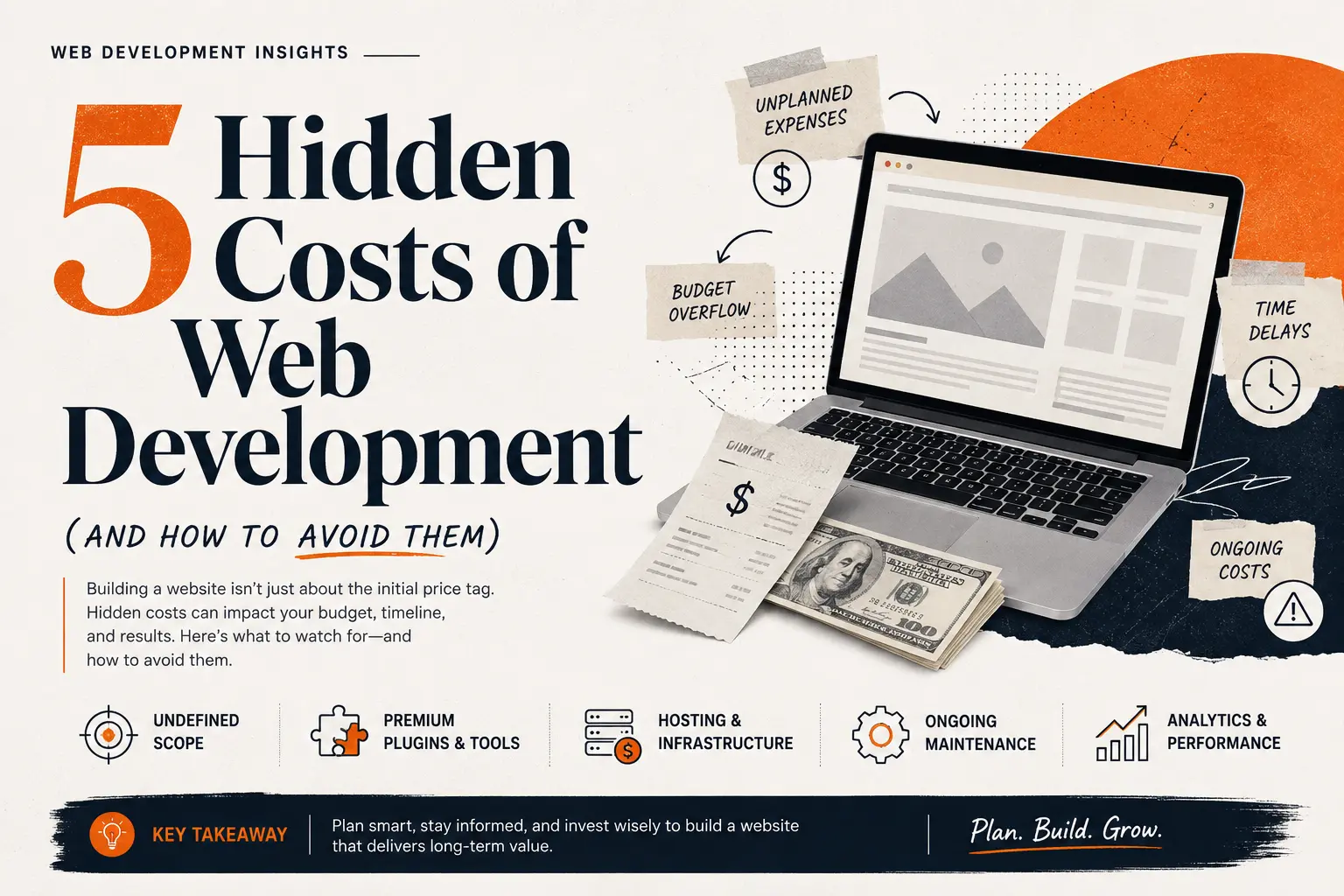
5 Hidden Costs of Web Development (and How to Avoid Them)
The quote looks reasonable. You sign off, the project kicks off, and everything seems on track — until the invoices that show up after launch don’t match the number you budgeted for. This is the most common complaint in web development: not that the initial quote was wrong, but that it was incomplete.
Most “hidden” costs aren’t actually hidden on purpose. They’re expenses that rarely make it into a first conversation because nobody thinks to ask about them until it’s too late. Here are the five web design expenses that catch businesses off guard most often — and what to do before you sign a contract, not after.

1. Licensing for Fonts, Stock Photos, and Premium Plugins
The design mockups look great. The typography is sharp, the photography feels professional, the icons are polished. What often goes unmentioned is that none of it is free. Many developers assume the client already owns the rights to the fonts, images, or plugins used in the design — but “assumed” and “owned” are two very different things, and using unlicensed commercial assets can turn into a legal problem long after launch.
How to avoid it: Ask upfront who owns what. Get a written list of every font, stock photo subscription, icon set, and premium plugin the design depends on, and confirm whether the license cost is included in your quote or billed separately. Budget for it as a line item, not an afterthought. If you need transparent brand assets, explore our Branding and Graphic Design Services.
2. Scope Creep and “Just One More Revision”
This is the quiet budget killer. A project starts with a clear brief, but somewhere along the way “can we also add a booking calendar” or “can the homepage have one more section” turns into weeks of extra work that was never priced in. Individually, each request feels small. Collectively, they can add 30–50% to a project’s original cost and timeline.
How to avoid it: Insist on a detailed Scope of Work before development starts — wireframes, feature lists, and the number of revision rounds included in the price. Anything outside that scope should come with a clear, agreed-upon change order and cost, not a vague “we’ll figure it out later.”
Looking for complete pricing transparency before starting your site? Check Avishkar Studio’s Web Design Packages for structured scopes with no surprise costs.
3. Third-Party and Legacy System Integrations
Modern websites rarely stand alone. They talk to payment processors, CRMs, email platforms, inventory systems, or older internal software the business has used for years. If those legacy systems run on outdated APIs or custom databases, connecting them to a new website is often far more complex — and expensive — than either side anticipated at quoting time.
How to avoid it: Before signing a contract, request a technical audit of every system that needs to connect to the new site. This surfaces the real complexity early, when it’s still cheap to plan for, instead of mid-project, when it’s not. Discover how our Custom Web Development Services handle seamless third-party integrations.
4. Hosting, Domain Renewals, and Scaling Costs
The first year of hosting often looks deceptively affordable — sometimes it’s even bundled into the build cost. What frequently gets missed is that renewal pricing tends to jump after year one, and if the site starts getting real traffic, a budget shared-hosting plan can buckle under the load, forcing an unplanned upgrade.
How to avoid it: Choose a hosting plan that can scale before you actually need it to, not after a traffic spike breaks the site. Ask for renewal pricing in writing, not just the first-year promotional rate, and set aside a modest annual budget for a hosting upgrade as the business grows.
5. Post-Launch Maintenance, Security, and Content Upkeep
Launch day isn’t the finish line — it’s closer to the starting line for an entirely different set of costs. Security patches, plugin updates, backups, SSL renewals, and ongoing content additions all continue well after the site goes live. Skip them and the site becomes slower, more vulnerable, and harder to rank in search results over time.
How to avoid it: Ask what happens the day after launch — literally. Get a clear maintenance plan with a monthly or annual cost attached, covering updates, backups, and security monitoring. If SEO and content matter to the business, budget separately for that too; it’s an ongoing marketing cost, not a one-time development expense.
The Real Fix: Ask Before You Sign, Not After
None of these five costs are unreasonable on their own. What causes budget blowouts is finding out about them after the contract is signed and the project is already underway. A good development partner will walk through all five of these before quoting a number — not wait for you to discover them one invoice at a time.
Before starting any project, get in writing: what’s included in the license and asset costs, how many revisions are covered, what integrations have been technically audited, what hosting will cost after year one, and what the maintenance plan looks like. That single conversation, had early, is usually the difference between a website that stays on budget and one that doesn’t.
Get a Transparent Website Quote Today
Looking for a reliable studio that delivers modern, scalable websites with zero hidden surprises?